This 3-part series documents the full journey from retiring an aging legacy setup to rebuilding on modern cloud infrastructure and finally launching the new live sites.
Start from the beginning or jump to any part.
- Part 1: Letting Go of Legacy Systems and Old Sites
- Part 2: Rebuilding the Stack on Modern Cloud Infrastructure
- Part 3: Launching the New Ecosystem: What’s Live Now
Anyone who knows me knows that I’ve spent my career building and maintaining forward looking, cutting edge web sites and platforms. Keeping legacy web sites modern, secure, well performing, scalable, and aligned with best practices. That’s the expectation customers have when you’re working professionally in tech—you don’t let things fall behind. You keep current and always have one eye on what’s coming next.
Like a lot of technology professionals… when it came to my own sites, I was usually right there keeping things modern and secure as well. Unfortunately though, after many years, I wasn’t as on top of my sites as I once was. They had been falling behind as it were for some time.
And not just a little outdated—we’re talking years behind current standards and expectations. And the cracks were very much starting to show.
Legacy of Sites… Aging in the Background
The fact that I had to make a decision once and for all really hit me in the Fall of 2025. I had been juggling a few different things—and I finally stopped and looked at everything I still had running on my old legacy Web server. And it was a LOT!
They weren’t causing any immediate problems. But like a lot of side projects, they just quietly lived on in the background. But when I really looked under the hood, it was an entirely different story.
There was code there written in the early days of PHP—some of it going all the way back to PHP 3 and 4. Short tags in PHP that were now incompatible. JavaScript that was innovative at the time, but indecipherable now. Over time, I had patched things just enough to keep them compatible with newer environments, but it was never a true upgrade. It was just keeping the lights on and carrying forward years of technical debt with the bare minimum of effort put in.
Also lurking deep in well buried layers of directories were old client projects and site proposals that I had completely forgotten about. They were never meant to be seen by a wide audience and while they had once been password protected, past server upgrades and migrations to new platforms had long since removed those protections.
By the time PHP 7.x started reaching end-of-life, all of this finally became impossible to ignore. These systems weren’t built for modern run-times. They weren’t designed with today’s security expectations or to fight modern threats. And the reality of the traffic numbers (or more honestly, the lack thereof) convinced me there weren’t something I wanted to continue maintaining going forward.
At this point, I was now running multiple server environments, this legacy (limited) grid server and a new modern cloud hosted environment to support my newest development efforts (which we’ll start to talk about in part 2). Some configurations on my legacy site existed purely to maintain backward compatibility, like paying extra to maintain PHP 7.4 support and still troubleshooting issues in code I hadn’t meaningfully touched in years. Instead of building forward with them, I was simply maintaining history.
So what were these sites I was maintaining? Let’s take a quick look.
C-Spine.com
My original personal web site: C-Spine.com, was created in the late 90s and had its last meaningful update in the early 2000s! I let the domain lapse in the mid-2000s and had been hosting it via subdomains since.
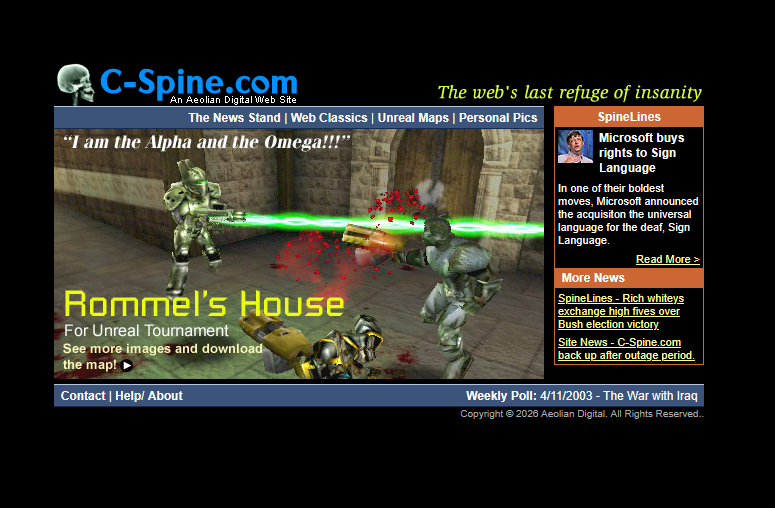
This site was very important to me as it served almost as a web based museum of all my early web development and learning exploits dating back to the very roots of my career in tech. It housed my very first personal web site from all the way back in 1997 called “The Heff Zone”, a fun, if not highly frivolous first effort on the web!
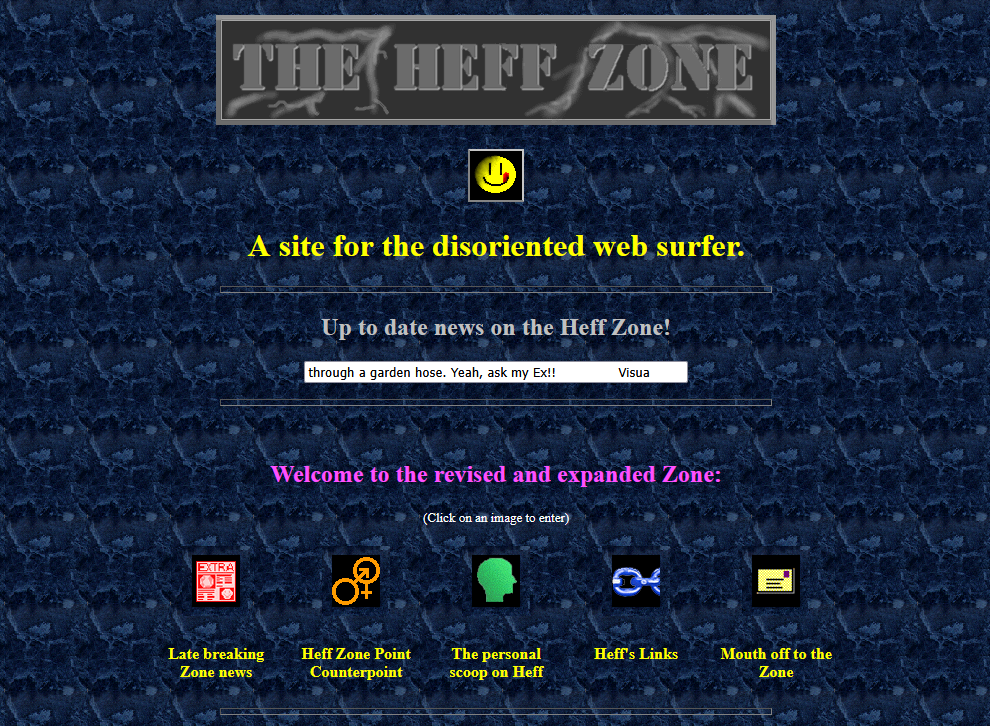
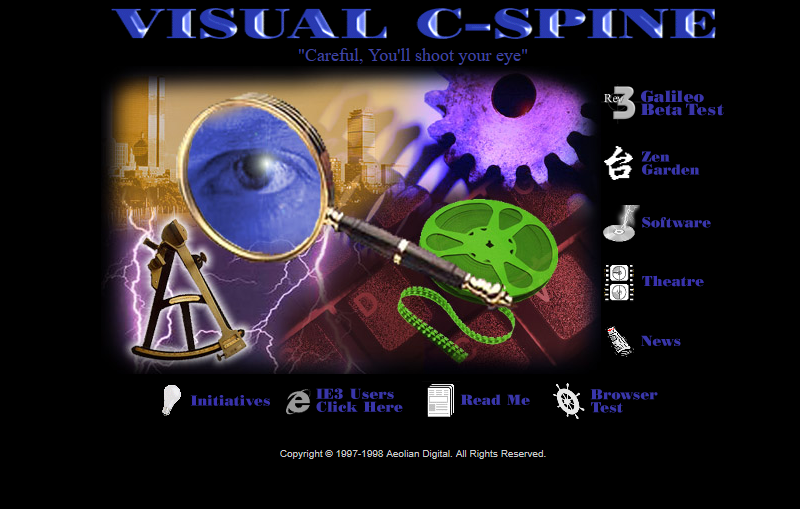
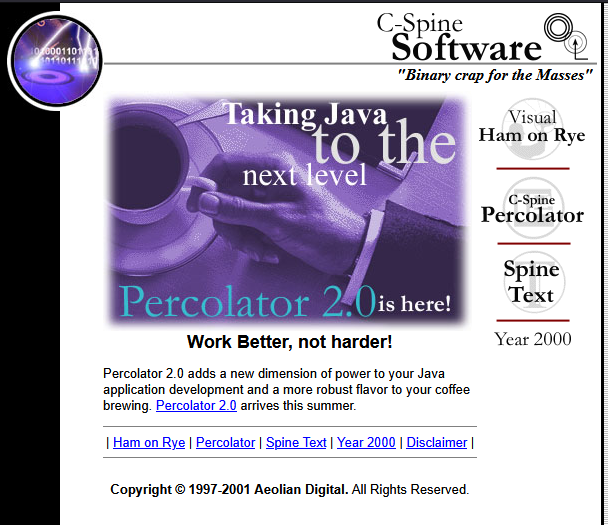
Several iterations of the C-Spine site itself, including a fun creative site called “Visual C-Spine” served as the main testing grounds for my Web skills early on in my career were also still available to browse. The third and final inception, called “Galileo”, housed my forays into satirical humor (in the form of my popular Spine Lines articles), a satirical takes at fictional software titles like “Visual Ham on Rye” and “Percolator 2.0”, AND showcased my work in FPS game map design for my all time favorite game, Unreal Tournament.
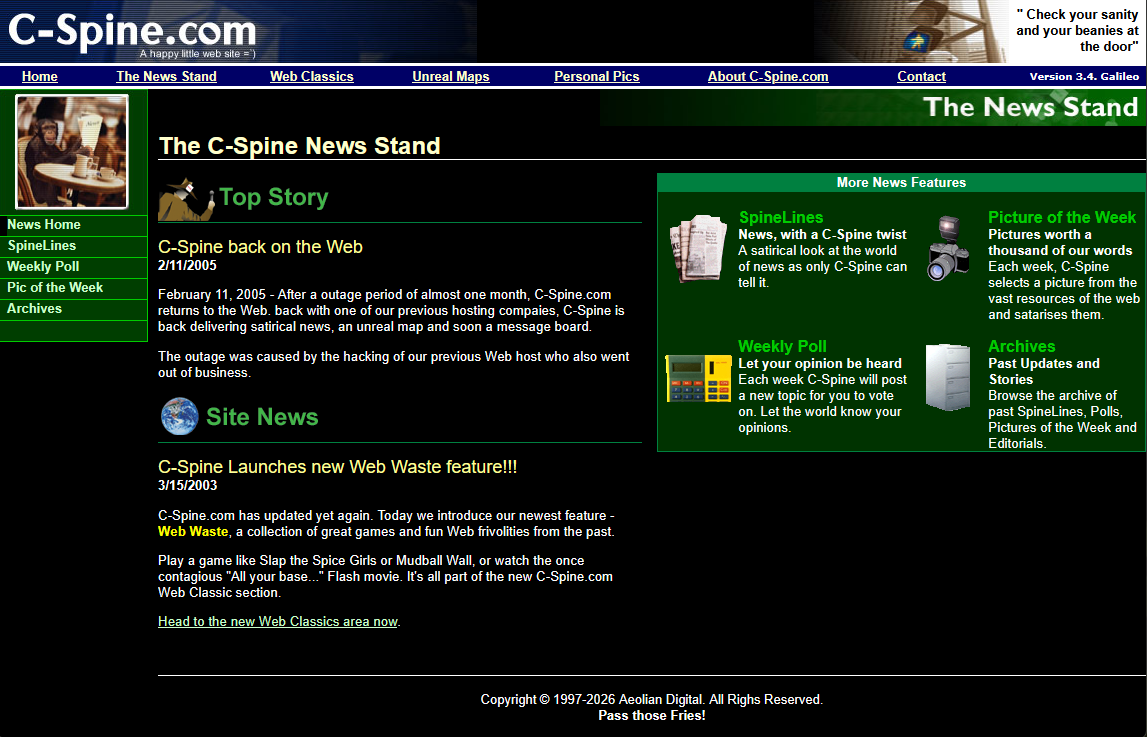
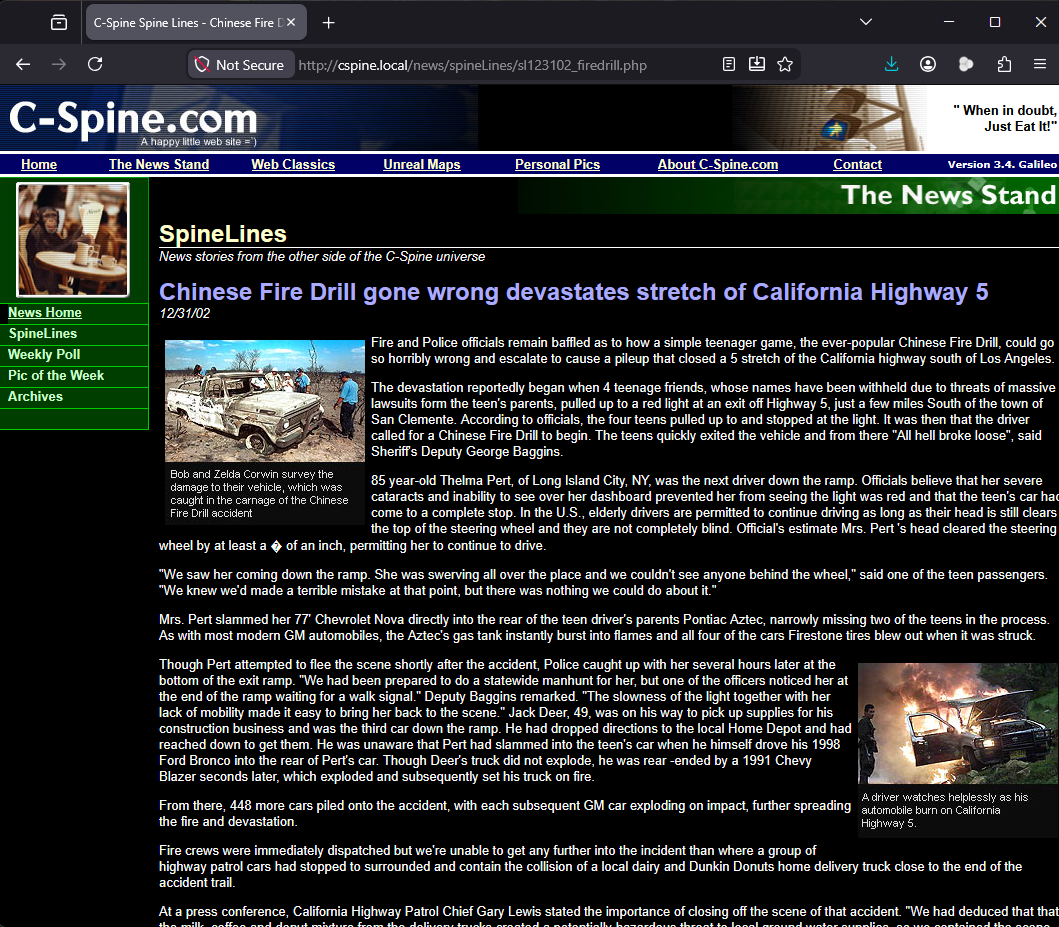
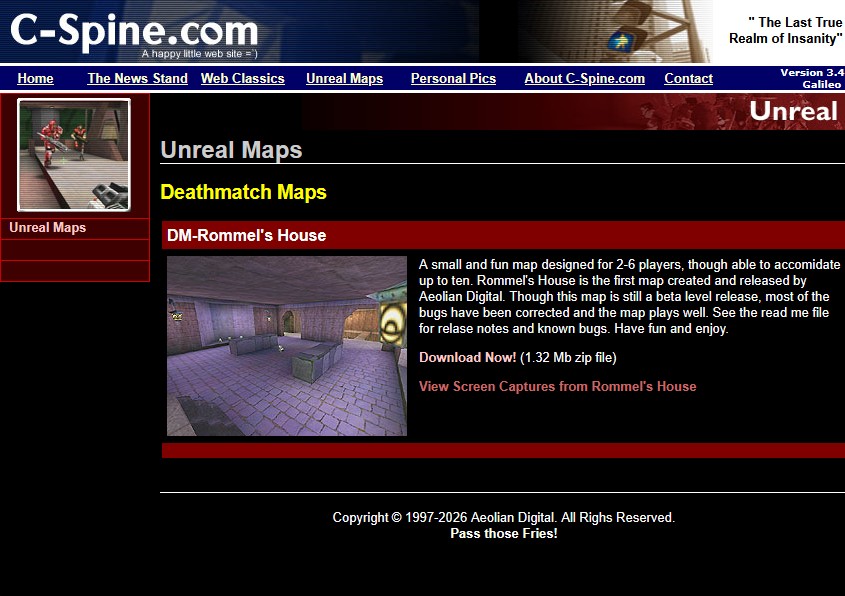
So this was a hard site to look at objectively in terms of both age and value to people who weren’t me.
Aeolian Digital
There was also my original Web consulting site, Aeolian Digital, an early iteration of my business consulting identity online.
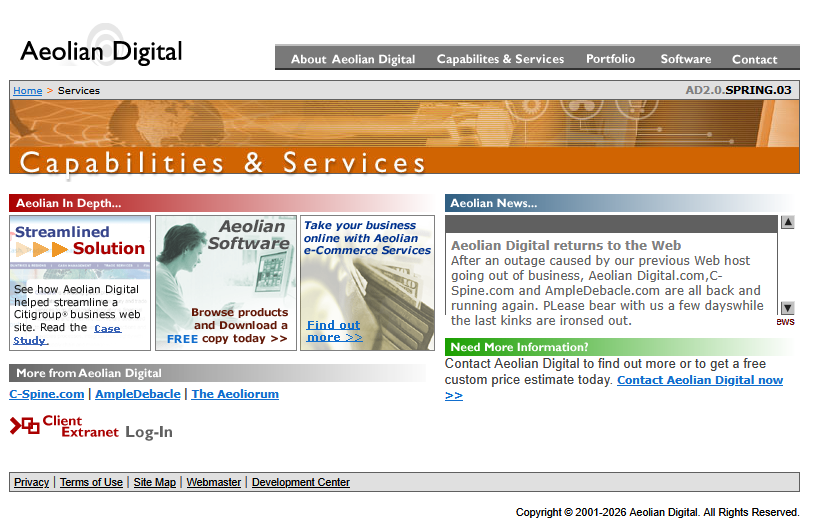
This site also had three distinct phases, one of which was still running on the server. The first phase had been built in 2000 almost entirely with Flash and obviously, was no longer able to be viewed online (thanks again for killing Flash, Steve Jobs!).
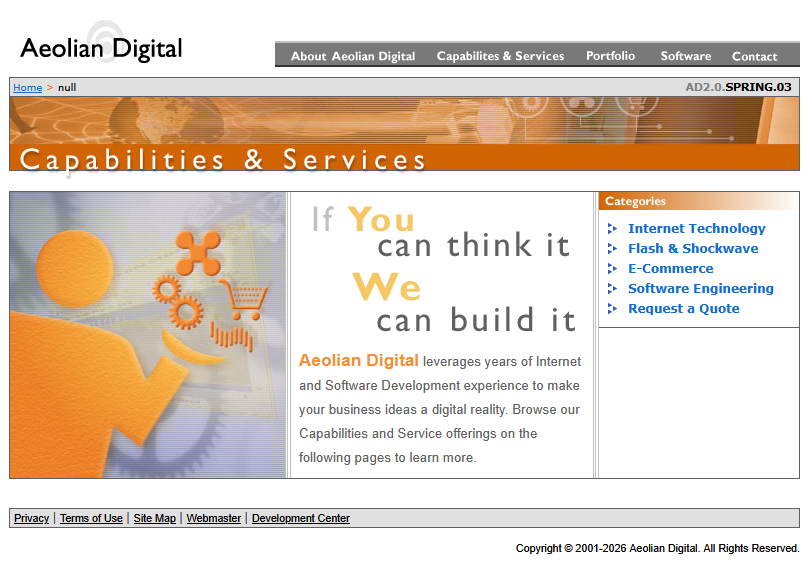
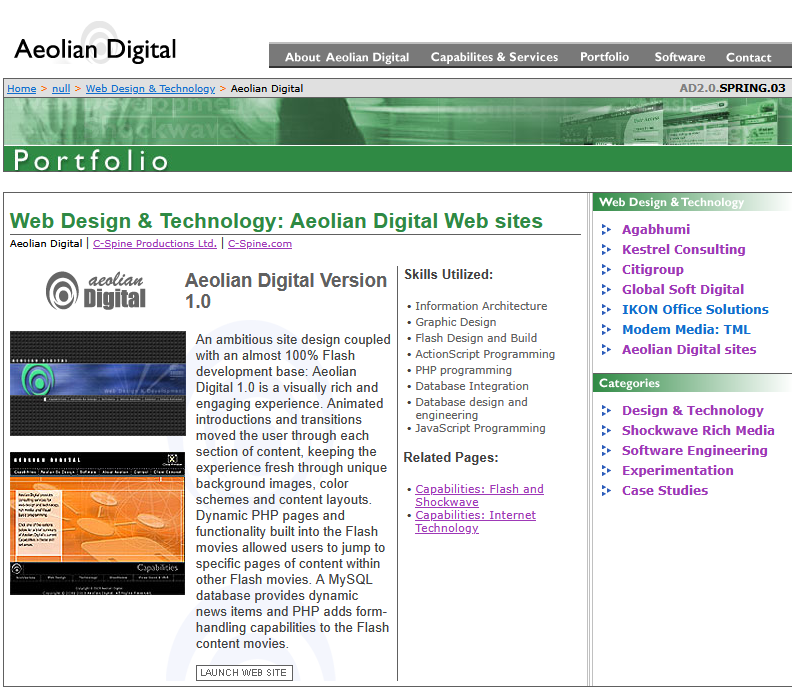
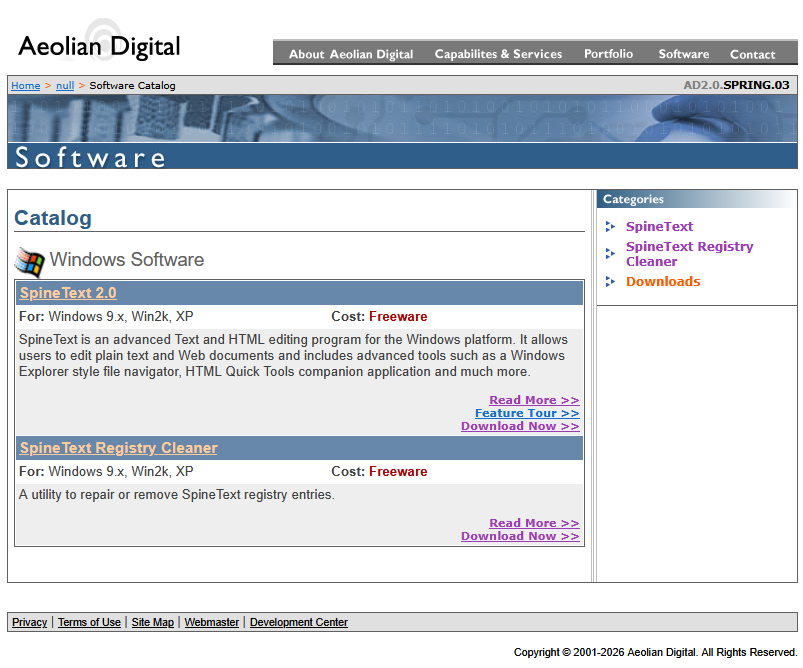
The second iteration, which was online as an archived version, listed my services, capabilities, showcased a deep portfolio of personal technology work and also hosted my very own working text editor, SpineText (an actual working alternative to Notepad which ran on Windows up until Windows 10!)
A third iteration, which I had long since removed, migrated the site to WordPress and saw it become more of a personal blog that brought together all of my creative and technology efforts into one place. This final version eventually became the Blog you’re now reading when I rebranded !
Back in the early 90s, I became a certified EMT in the state of Connecticut. That experience influenced a lot of my early branding, including a skeleton mascot for C-Spine.com I created in college that carried through to many of my early web and technology projects. I eventually moved on, but a lot of my mid to late 90s era identity work focused on that theme.
OOTP Related Sites
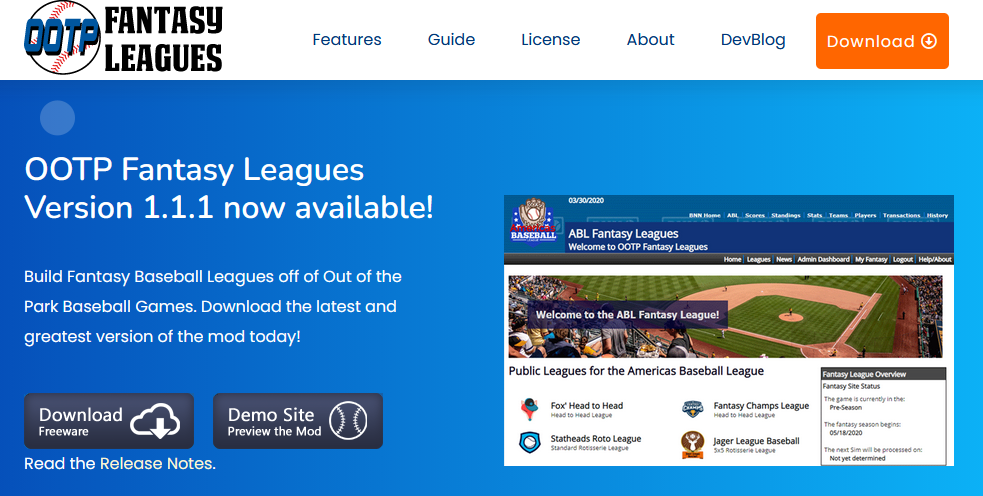
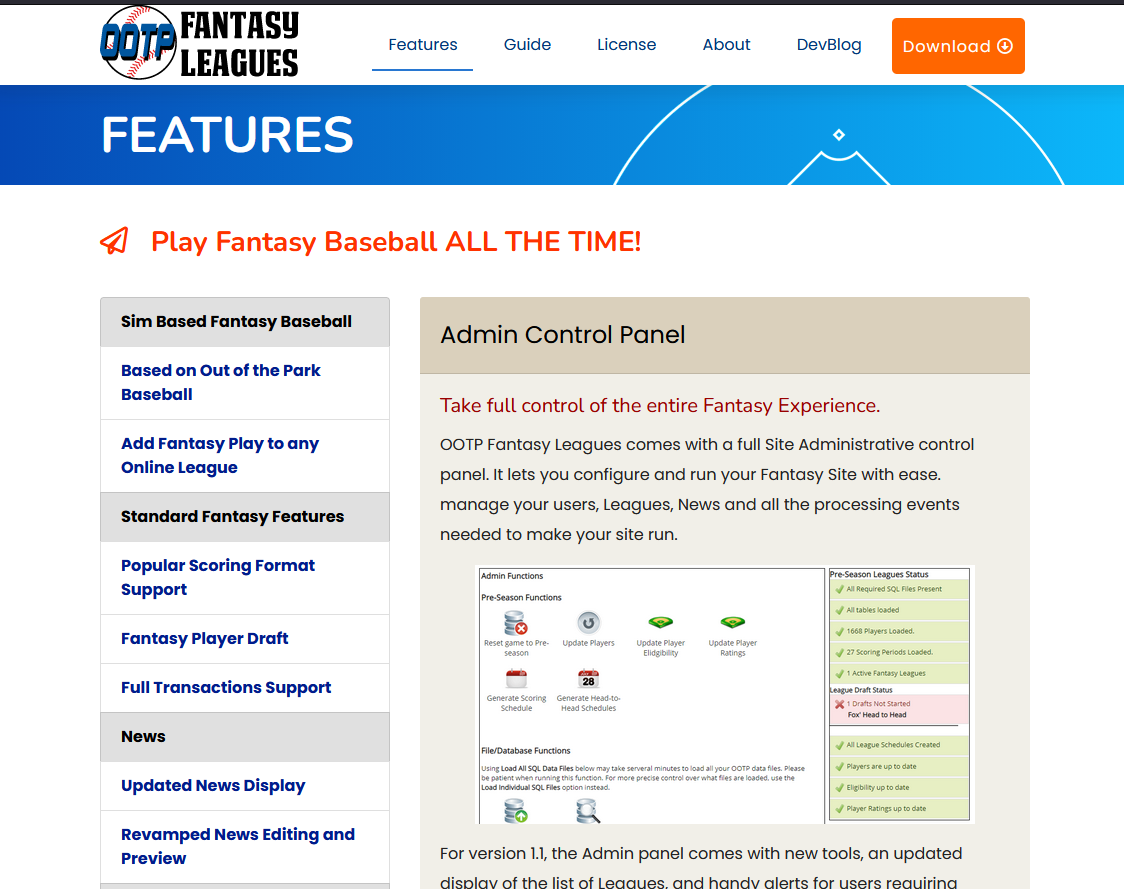
I had two major web development projects, the OOTP Fantasy Leagues and Fox Open Sports Platform sites, which were huge technical achievements for me and in the case of the Fantasy Leagues mod, used and enjoyed by many users of the Out of the Park baseball sim game on the web.
Unfortunately, they were also tied to older legacy frameworks and code bases that stubbornly hit the end of the road for updates a long time ago and went fully end of life along with PHP 7.4 in December 2025. As much as I was proud of these projects, they could no longer usable in modern versions of PHP and were effectively dead. Taking them down meant removing error pages, not working sites.
There were also a handful of other smaller projects and mini sites hanging around in the background as well, but these were the most notable and important to me.
The Security Reality Check
I really shouldn’t have needed too much convincing to make this move since only 2-3 years ago, one of the sites on the legacy server was hacked.
It wasn’t catastrophic, but someone exploited a minor gap in the form processing code of a mini-site and turned my server into an automated DOS attack platform. My ISP suspended the site when it became obvious what had happened, and it became my problem to remove all the malicious code and quickly harden my site to get it running again.
I spent a full weekend cleaning the server of malicious scripts and locking down everything I could. I cleaned up forms, tightened validation, and patched obvious glaring vulnerabilities in other areas. And removed any forms that weren’t necessary or relevant anymore. And after a quick check, my ISP cleared the site to be activated again. “Phew, dodged a bullet there” I thought.
But there was an inevitable truth behind all the patch work. When the underlying architecture is outdated, when the patterns themselves are no longer considered safe, you’re not really securing the system, you’re just delaying the next issue.
Facing a truth, I too was outgrowing the old projects
The other part of this, honestly, was more personal.
A lot of these sites had already had run their course. They were built during different phases of my life—learning, experimenting, trying things out, sometimes just building for fun and to blow off some steam with code. I’m a coder and I actually enjoy coding after all. And at the time, they still mattered to me.
But then there was the inevitable truth.
None of them had a real audience in many, many years. The content was good but also not likely something of interest to younger current audiences. And the site themselves were built for an entirely different era of the web. In today’s rapid, mobile first world, they were acting as poorly aged dinosaurs begrudgingly lumbering along, not keeping up and adjusting for the modern age. Likely waiting for the next inevitable attack as well.
Time to make the call
So I finally reach the moment to make the decision that, in hindsight, was long overdue. Not to migrate it all. Not to rebuild every legacy project. Not to keep things running “just in case.” But to honestly and definitively sunset old websites and retire legacy systems and focus on the new.
So I made the decision to move the couple of sites that were still relevant to my new platform (which don’t worry, we’ll discuss in Part 3) and take down and archive the rest. Mainly all those sites I listed above ended up on the list of sites to archive and remove.
It wasn’t an easy call. There’s always that instinct to hold onto things you’ve built—especially when you’ve invested a lot of personal time and effort into them. But at some point, holding on starts to get in the way of what you’re trying to build next. And I was trying to get a whole bunch of new things going. Going through the effort of backing up everything on my legacy server and then taking it all down was step one.
What came after was the real work
With the old systems gone, I had something I hadn’t had in years: a completely clean slate. No legacy constraints. No backward compatibility requirements. No outdated code dictating how things had to be done.
But that also meant learning new modern methods and tools and making everything as ready for the future as I could.
I had to revisit parts of the stack I hadn’t touched in a while. Rethink how I approached PHP and JavaScript in a modern context. Get comfortable again managing environments, while balancing development across both Windows and Linux development platforms.
And maybe most interesting of all—I leaned heavily into tools that didn’t even exist the last time I built many of these systems. Tools like ChatGPT and Copilot became part of the process in a way that would have been unthinkable just a few years ago.
This ended up being more than just a site rebuild or a legacy migration. It was a full reset and modernization into how I approached and saw web development.
And it was time to dive in!
In Part 2, I’ll walk through what that actually looked like—what I relearned, what changed, and how it all came together to kick off a new era on the web for me.
Because once the past was cleared out…
You can finally take a clear-eyed look at what comes next.
And for the first time in a long time, that path forward actually felt right.
It just took letting go to see it.
Thanks for reading the first entry of this three part series. If you’ve had similar experiences maintaining or finally letting go of legacy web development platforms or systems—or if you’re starting to incorporate AI into your workflow—I’d love to hear about it.
Coming next:
Part 2 – Rebuilding my Web Stack: Modern Tools, Environments, and Lessons Learned
Part 3 – Launching the New Ecosystem: What’s Live Now
